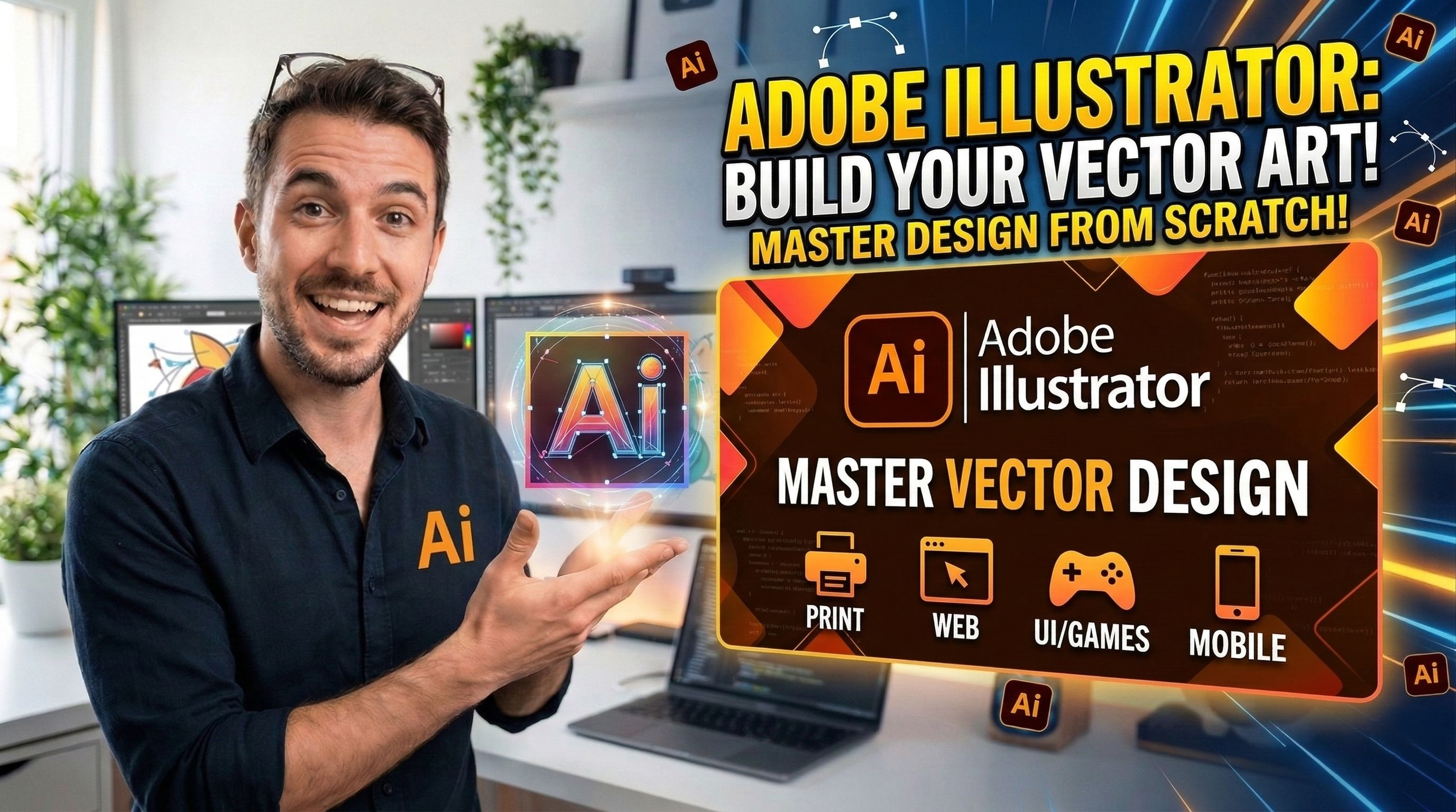
Adobe Illustrator Course for Beginners
About This Course
Adobe Illustrator Course for Beginners – Information 🎨💻
Adobe Illustrator is a professional graphic design software used to create logos, icons, illustrations, posters, social media graphics, and vector designs. A beginner course helps students learn the basics of designing step-by-step.
1. What You Will Learn
In a Beginner Adobe Illustrator Course, you will learn:
Introduction to Adobe Illustrator interface
Understanding vector graphics vs raster graphics
Using basic tools (Selection Tool, Pen Tool, Shape Tool)
Creating and editing shapes and paths
Working with colors, gradients, and strokes
Typography and text design
Creating logos and simple illustrations
Exporting designs for print and digital use
2. Who Can Join This Course
This course is perfect for:
Students 🎓
Beginners interested in graphic design
Freelancers
Social media content creators
Business owners who want to design their own graphics
3. Benefits of Learning Illustrator
Create professional designs and logos
Work as a freelance graphic designer
Design content for social media and marketing
Start earning through online platforms like Fiverr, Upwork, and Freelancer
4. Career Opportunities
After learning Illustrator, you can work as:
Graphic Designer
Logo Designer
Illustrator Artist
Social Media Designer
Freelance Designer
5. Course Duration
Usually 4–8 weeks depending on the course structure and practice time.